
Installation and first setup
This guide walks you through everything from unboxing the HUB to having it fully set up in the Hastr app. The whole process takes about 5–10 minutes.
What you will need
Section titled “What you will need”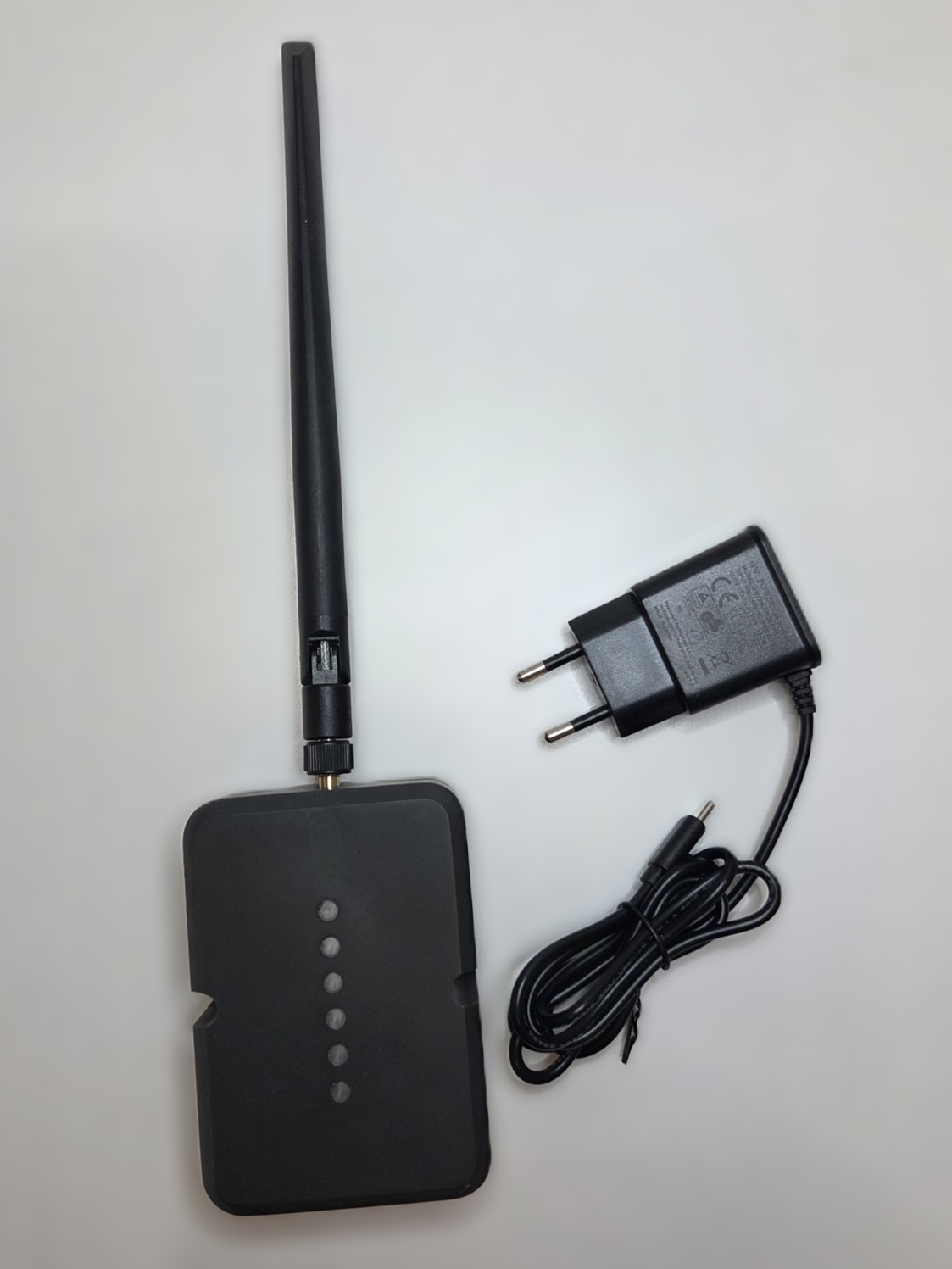
- Hastr HUB with the included power adapter
- A phone running iOS or Android
- A Wi-Fi connection
Step 1: Plug in the HUB
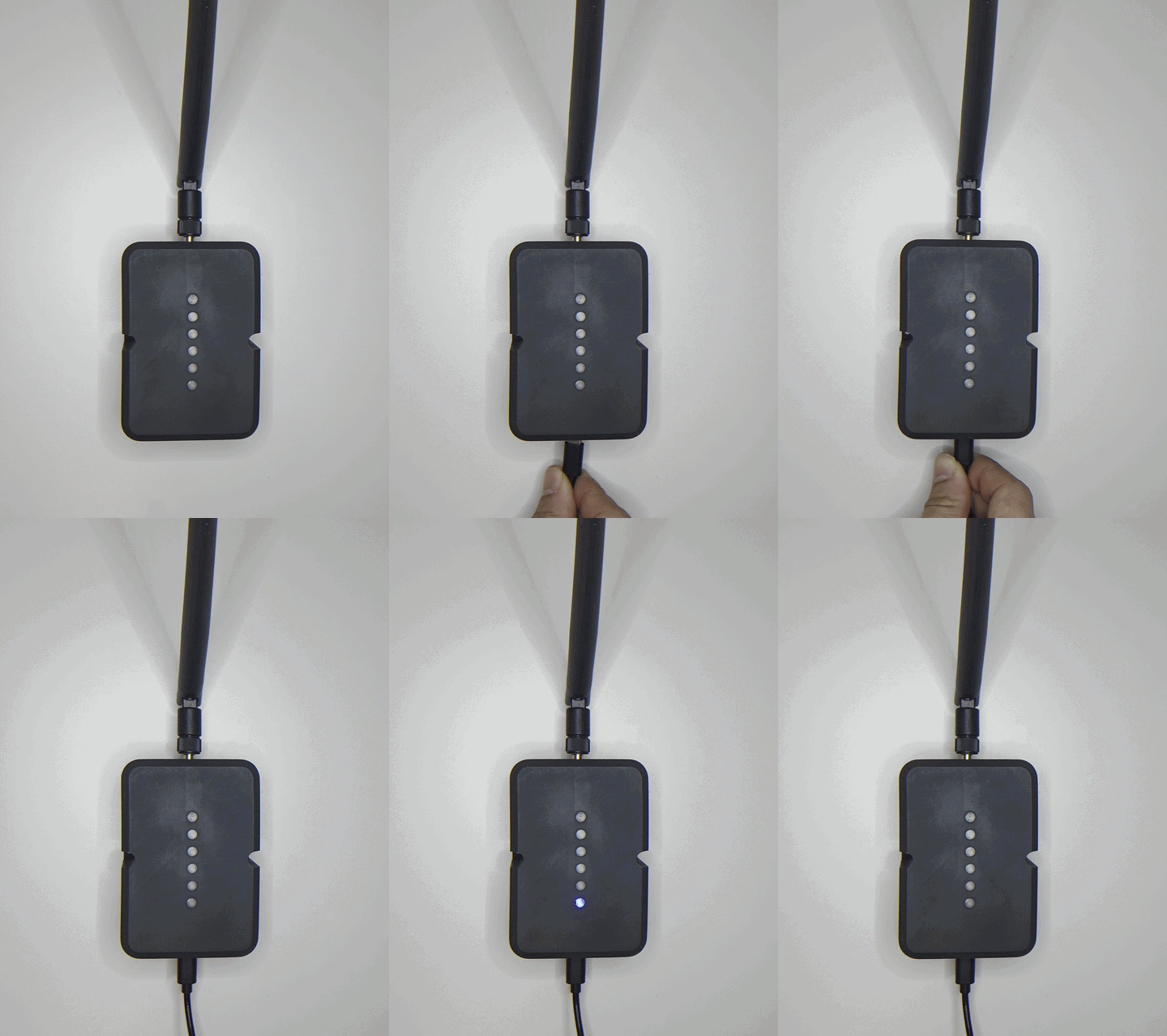
Section titled “Step 1: Plug in the HUB”Connect the power adapter to the HUB and plug it into a wall outlet (230 V).
The HUB will start up automatically. The LED indicator will blink blue three times after the device starts.
Step 2: Download the Hastr app
Section titled “Step 2: Download the Hastr app”Scan the QR code or tap the link for your phone:
If you don’t have an account yet, create one directly in the app.
Step 3: Add the HUB in the app
Section titled “Step 3: Add the HUB in the app”- Open the Hastr app and sign in.
- On the home screen, tap Add device.
- Select Hastr HUB and follow the on-screen instructions.
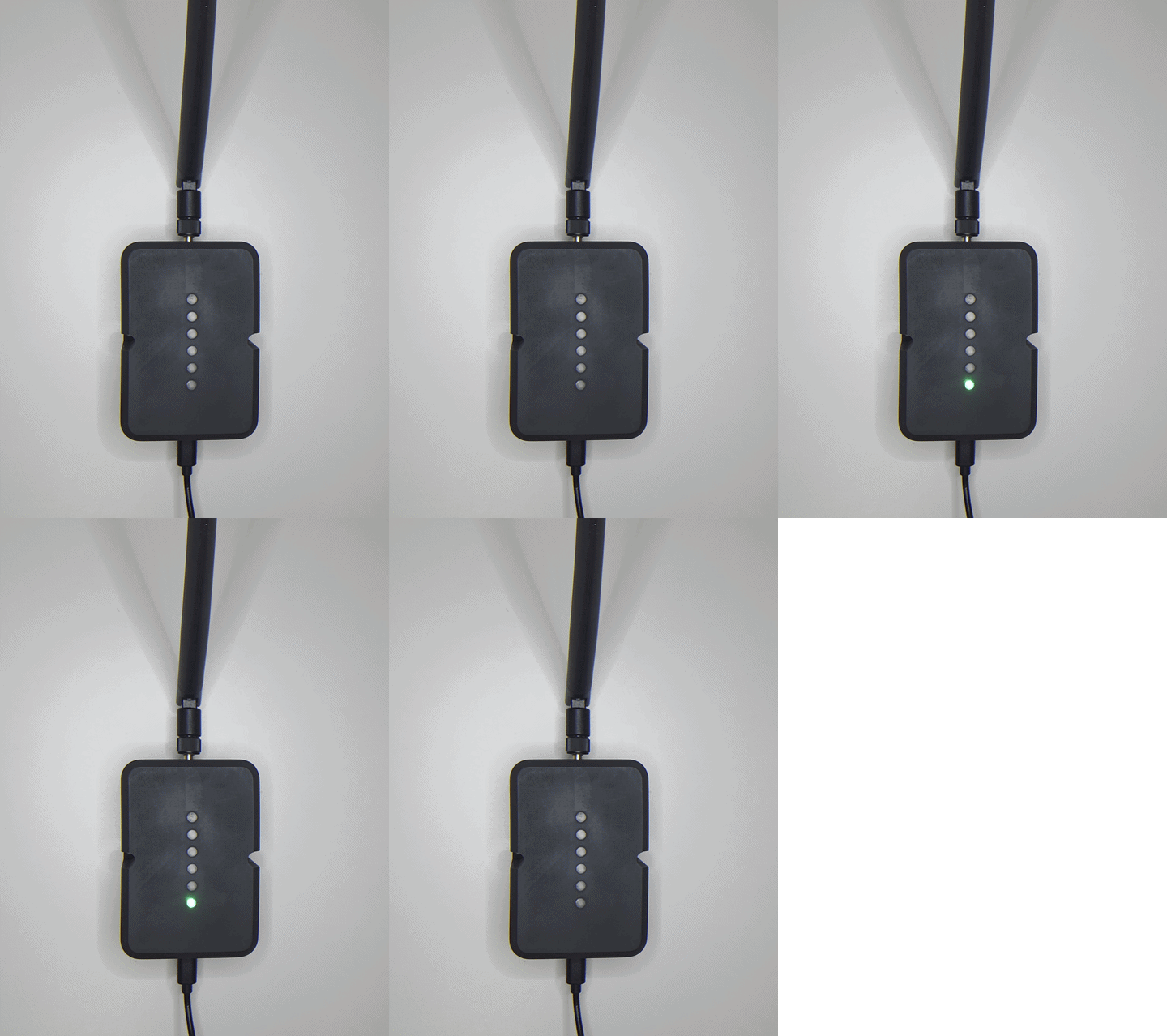
- The app will guide you through both the Wi-Fi setup and pairing.
Once connected, the LED will change its pattern to confirm a successful connection.
What’s next?
Section titled “What’s next?”Once paired, your HUB is ready to receive data from modules. To add a sensor, continue with the setup guide for the relevant module:
Made in EU
 Made in EU